
$ bullcom --check --target=client_pc
› running diagnostics ........... [ OK ]
› scanning storage / memory .... [ OK ]
› malware signature update ..... [ DONE ]
$ bullcom --service list
▸ 修理 / 設定 / ネットワーク
▸ 出張 (神戸・明石)
▸ 郵送修理 (全国対応)
$ _
$ bullcom --check --target=client_pc
› running diagnostics ........... [ OK ]
› scanning storage / memory .... [ OK ]
› malware signature update ..... [ DONE ]
$ bullcom --service list
▸ 修理 / 設定 / ネットワーク
▸ 出張 (神戸・明石)
▸ 郵送修理 (全国対応)
$ _
$ bullcom --check --target=client_pc
› running diagnostics ........... [ OK ]
› scanning storage / memory .... [ OK ]
› malware signature update ..... [ DONE ]
$ bullcom --service list
▸ 修理 / 設定 / ネットワーク
▸ 出張 (神戸・明石)
▸ 郵送修理 (全国対応)
$ _
BULLCOM@server:~$ netstat -a
Active connections:
TCP 0.0.0.0:80 LISTEN
TCP 0.0.0.0:443 LISTEN
$ ping 192.168.1.1 -c 4
64 bytes: icmp_seq=1 ttl=64
64 bytes: icmp_seq=2 ttl=64
64 bytes: icmp_seq=3 ttl=64
--- 0% packet loss ---
BULLCOM@server:~$ netstat -a
Active connections:
TCP 0.0.0.0:80 LISTEN
TCP 0.0.0.0:443 LISTEN
$ ping 192.168.1.1 -c 4
64 bytes: icmp_seq=1 ttl=64
64 bytes: icmp_seq=2 ttl=64
64 bytes: icmp_seq=3 ttl=64
--- 0% packet loss ---
BULLCOM@server:~$ netstat -a
Active connections:
TCP 0.0.0.0:80 LISTEN
TCP 0.0.0.0:443 LISTEN
$ ping 192.168.1.1 -c 4
64 bytes: icmp_seq=1 ttl=64
64 bytes: icmp_seq=2 ttl=64
64 bytes: icmp_seq=3 ttl=64
--- 0% packet loss ---
$ virus-scan --full-scan ./
Scanning: C:\Users\... ██████ 100%
Threats found: 0
Status: CLEAN ✓
$ backup --incremental
Backup size: 4.2 GB
Destination: NAS_BULLCOM
Progress: ████████ 100%
Backup complete ✓
$ virus-scan --full-scan ./
Scanning: C:\Users\... ██████ 100%
Threats found: 0
Status: CLEAN ✓
$ backup --incremental
Backup size: 4.2 GB
Destination: NAS_BULLCOM
Progress: ████████ 100%
Backup complete ✓
$ virus-scan --full-scan ./
Scanning: C:\Users\... ██████ 100%
Threats found: 0
Status: CLEAN ✓
$ backup --incremental
Backup size: 4.2 GB
Destination: NAS_BULLCOM
Progress: ████████ 100%
Backup complete ✓
$ wifi-config --ssid HOME_NET
Connecting to HOME_NET...
DHCP lease acquired
IP: 192.168.0.105
Gateway: 192.168.0.1
DNS: 8.8.8.8
Speed: 600 Mbps ↑↓
Status: CONNECTED ✓
$ _
$ wifi-config --ssid HOME_NET
Connecting to HOME_NET...
DHCP lease acquired
IP: 192.168.0.105
Gateway: 192.168.0.1
DNS: 8.8.8.8
Speed: 600 Mbps ↑↓
Status: CONNECTED ✓
$ _
$ wifi-config --ssid HOME_NET
Connecting to HOME_NET...
DHCP lease acquired
IP: 192.168.0.105
Gateway: 192.168.0.1
DNS: 8.8.8.8
Speed: 600 Mbps ↑↓
Status: CONNECTED ✓
$ _
$ sfc /scannow
Verification 100% complete.
Windows Resource Protection
did not find any integrity
violations.
$ DISM /Online /Cleanup
The operation completed
successfully.
Restart required.
$ sfc /scannow
Verification 100% complete.
Windows Resource Protection
did not find any integrity
violations.
$ DISM /Online /Cleanup
The operation completed
successfully.
Restart required.
$ sfc /scannow
Verification 100% complete.
Windows Resource Protection
did not find any integrity
violations.
$ DISM /Online /Cleanup
The operation completed
successfully.
Restart required.
$ setup-pc --new-user
Installing Windows updates...
Update 1/12 .... [ DONE ]
Update 2/12 .... [ DONE ]
Update 12/12 ... [ DONE ]
Installing Office 365...
Configuring printer...
Setup complete ✓
$ _
$ setup-pc --new-user
Installing Windows updates...
Update 1/12 .... [ DONE ]
Update 2/12 .... [ DONE ]
Update 12/12 ... [ DONE ]
Installing Office 365...
Configuring printer...
Setup complete ✓
$ _
$ setup-pc --new-user
Installing Windows updates...
Update 1/12 .... [ DONE ]
Update 2/12 .... [ DONE ]
Update 12/12 ... [ DONE ]
Installing Office 365...
Configuring printer...
Setup complete ✓
$ _
SYSTEM STATUS
> BULLCOM AGENT ONLINE
✓ diagnosis ready
✓ secure support channel
 FEATURED
チュートリアル2026.11.03
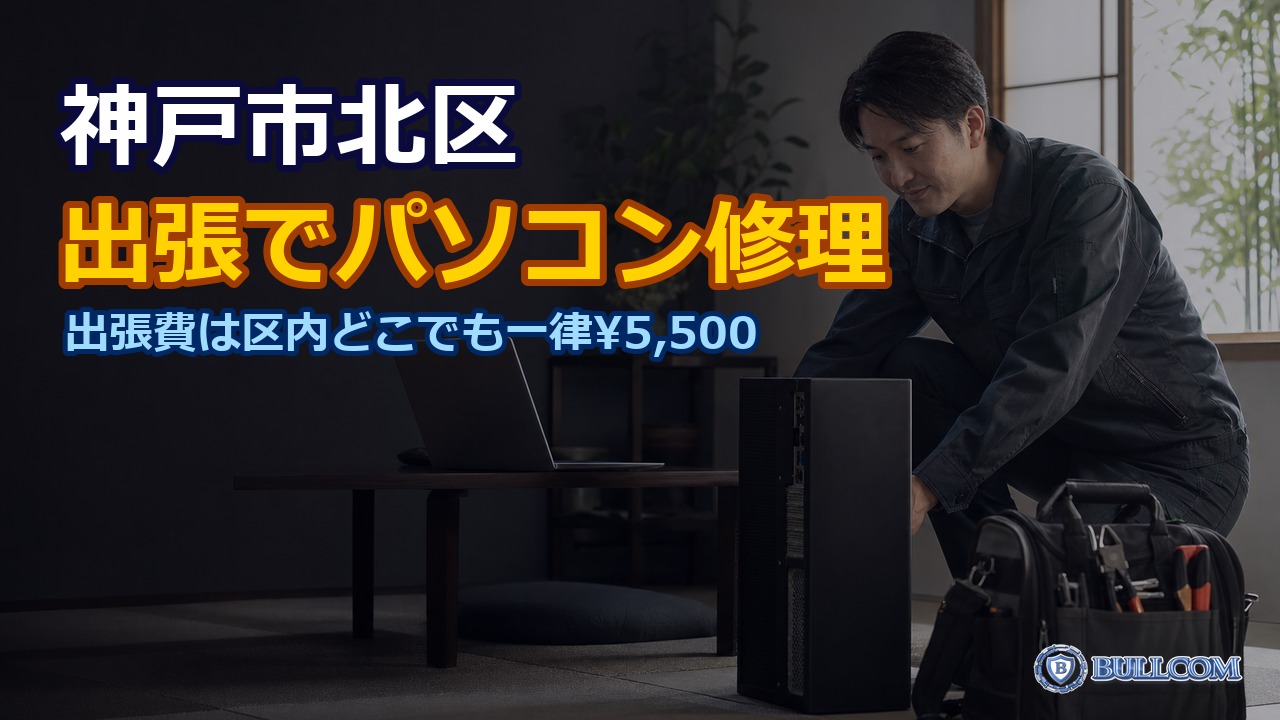
【神戸市北区】パソコン修理を出張で頼むときの流れと、事前の準備
続きを読む
チュートリアル2026.11.02
「デバイスが正しく動作していません」等のエラー通知の読み解き方
続きを読む
テクノロジー2026.11.01
マイクロソフトが約6万人に希望退職を募集と報道|AI投資を急ぐ中、Windowsやパソコンを使う私たちへの影響は?
続きを読む
テクノロジー2026.10.31
Windows 11の10月のプレビュー更新(KB5127936)が配信|右クリックメニューの変更・「クラウド再構築」など、入れるべき?
続きを読む
チュートリアル2026.10.30
冬の結露・静電気からPCを守る|寒い部屋での注意点
続きを読む
テクノロジー2026.10.27
オフィスのネットワークが遅い|原因の切り分けと改善策
続きを読む
チュートリアル2026.10.24
ノートPCのヒンジ・画面のガタつき|放置するとどうなるか
続きを読む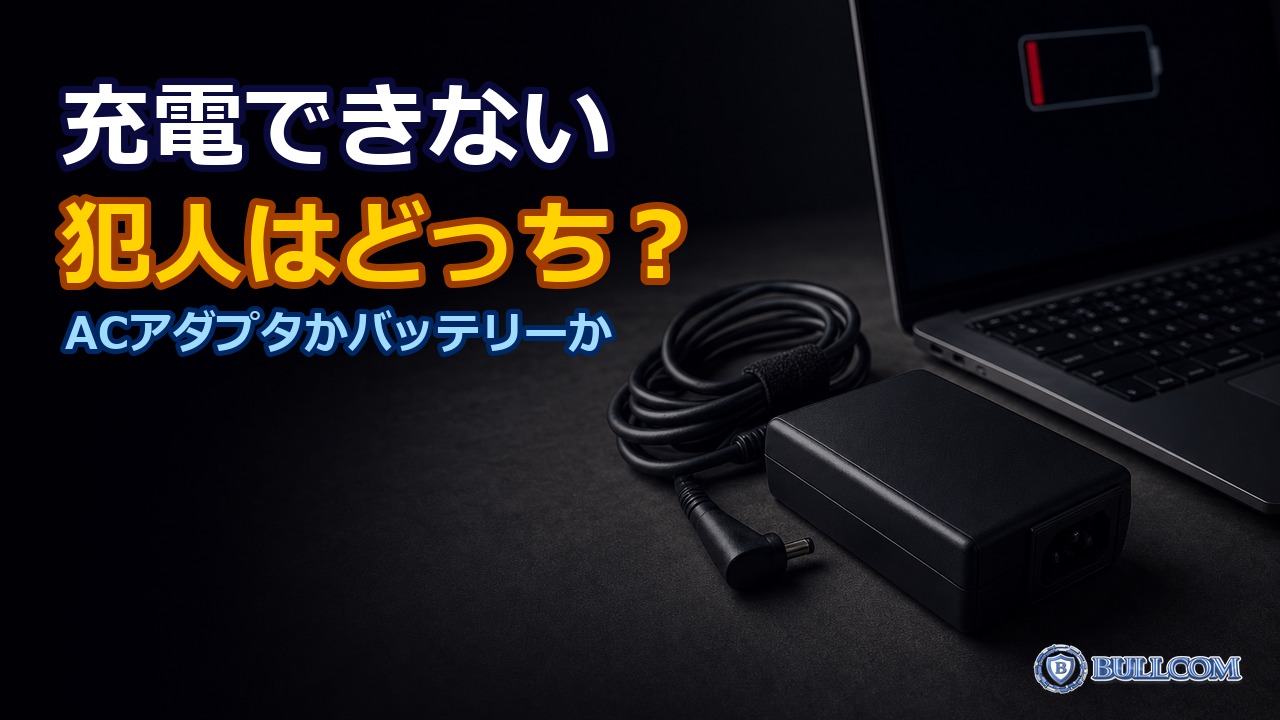
チュートリアル2026.10.21
ノートPCの充電が遅い・できない|ACアダプタとバッテリーの切り分け
続きを読む
チュートリアル2026.10.20
Windowsのコピー履歴(Win+V)の使い方|再起動で消える弱点と、無料ツール「Ditto」の注意点
続きを読む
テクノロジー2026.10.18
公衆Wi-Fiを安全に使う方法|出先での情報漏えいを防ぐ
続きを読む1